Monday October 12
iPhone
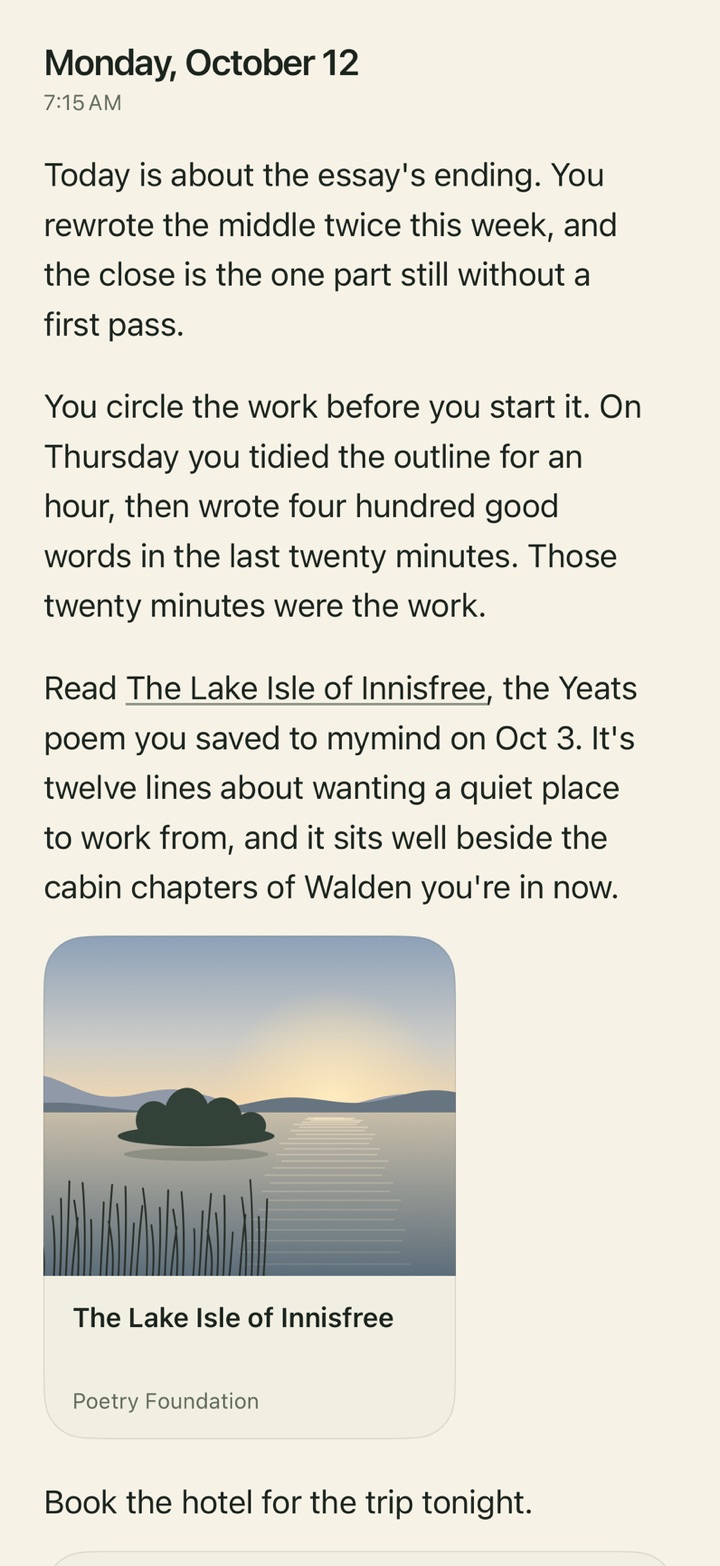
- The morning letter reads as a dated letter: the beats in page type, the thing to read as a card that opens it, the to-do as a card I add, and the quote to close it.
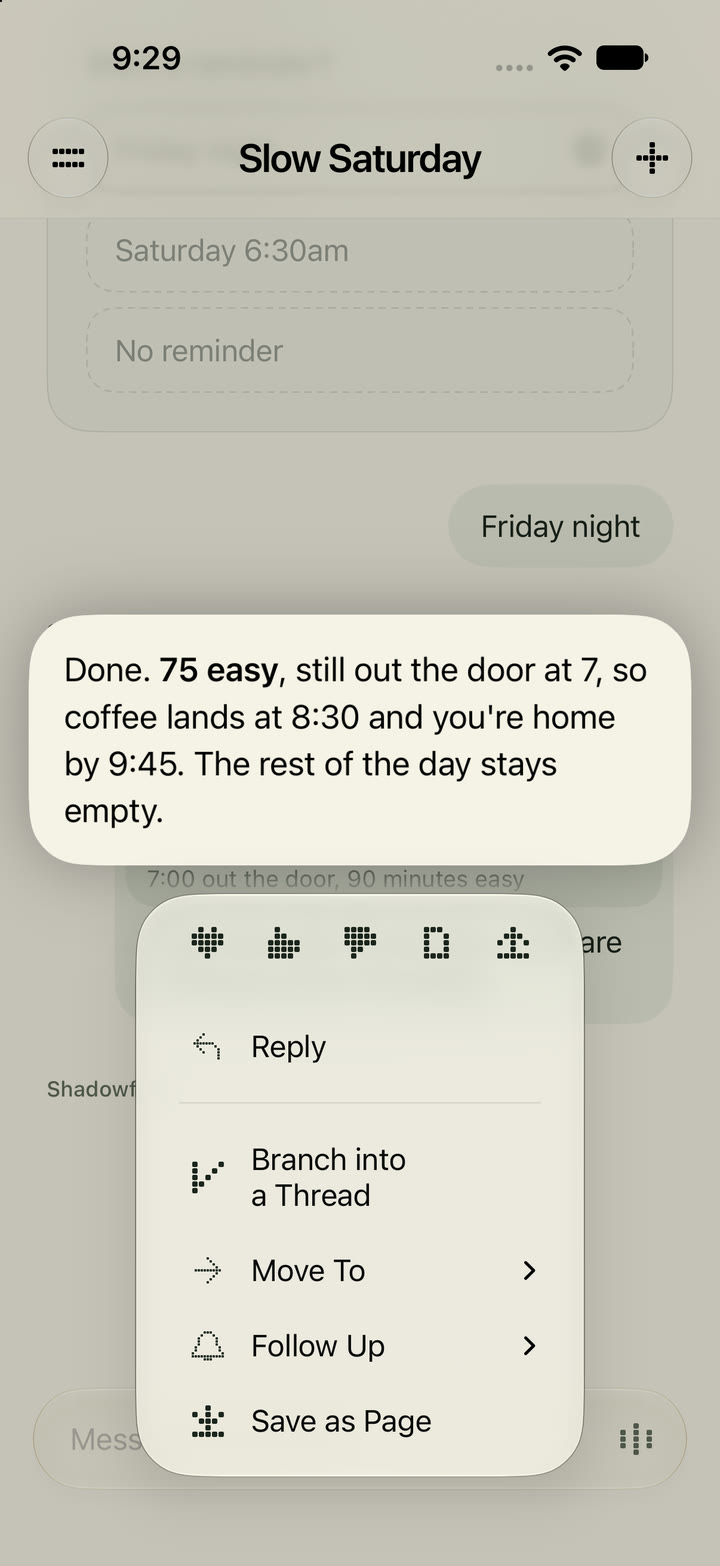
- A cut-off row in Upcoming, Activity, To-dos or Quests opens in place with a tap, and an open row goes to its thread on the next.
- Note: I wanted the morning letter to link out to what it tells me to read, and to make its to-do something I can act on.
- Note: When a row is cut off, I wanted to tap it and have it open smoothly to the rest, or link out.
Mac
- Upcoming opens on the Mac with ⌘U or two fingers up on the message field, with To-dos, Upcoming, Activity and Quests growing out of the field’s glass.
- A writing note opens inline under its line, on paper, and the words below move down to make room.
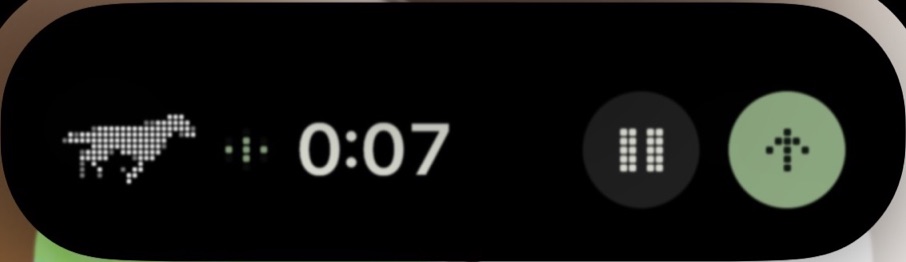
- Throw it at him, behind a switch: drag something onto the notch, pick Research, Summarize, File, Buy or Watch, and the notch tells me when Shadowfax is done.
- Desk reminders arrive on the Mac with Done, Later and Reply when I sit down.
- Words typed on the Mac are never overwritten by the phone, quitting saves every open draft, and streaming, long drafts, the reader and the notch all do far less work.
- Reduce Motion is respected, and every icon button has a VoiceOver label.
- Note: I wanted the swipe up on the input to show my to-dos and activity on the Mac, like it does on iOS.
- Note: I didn’t love the note floating as glass over my words, so it opens under its line now.
iPhone and Mac
- The morning letter brings its doors with it: a card for what to read, a card for the to-do, and once I add the to-do, Shadowfax pings me at its time.